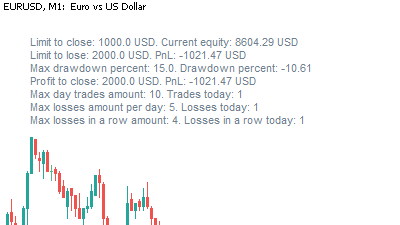
Risk control
Risk Manager
Enforce daily and weekly limits, equity protection and session rules.
- Loss and profit limits
- Equity protection
- Session controls

Compare purpose, platform and key capabilities across TradingKit software for MT4, MT5 and Binance.
Enforce daily and weekly limits, equity protection and session rules.
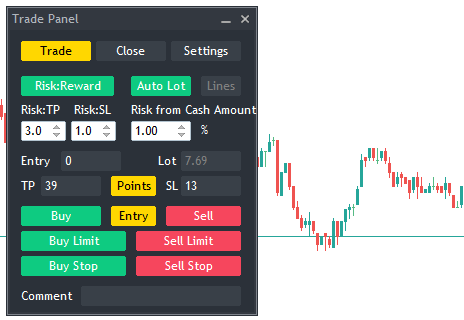
Place, size and manage orders from one focused MetaTrader 5 panel.
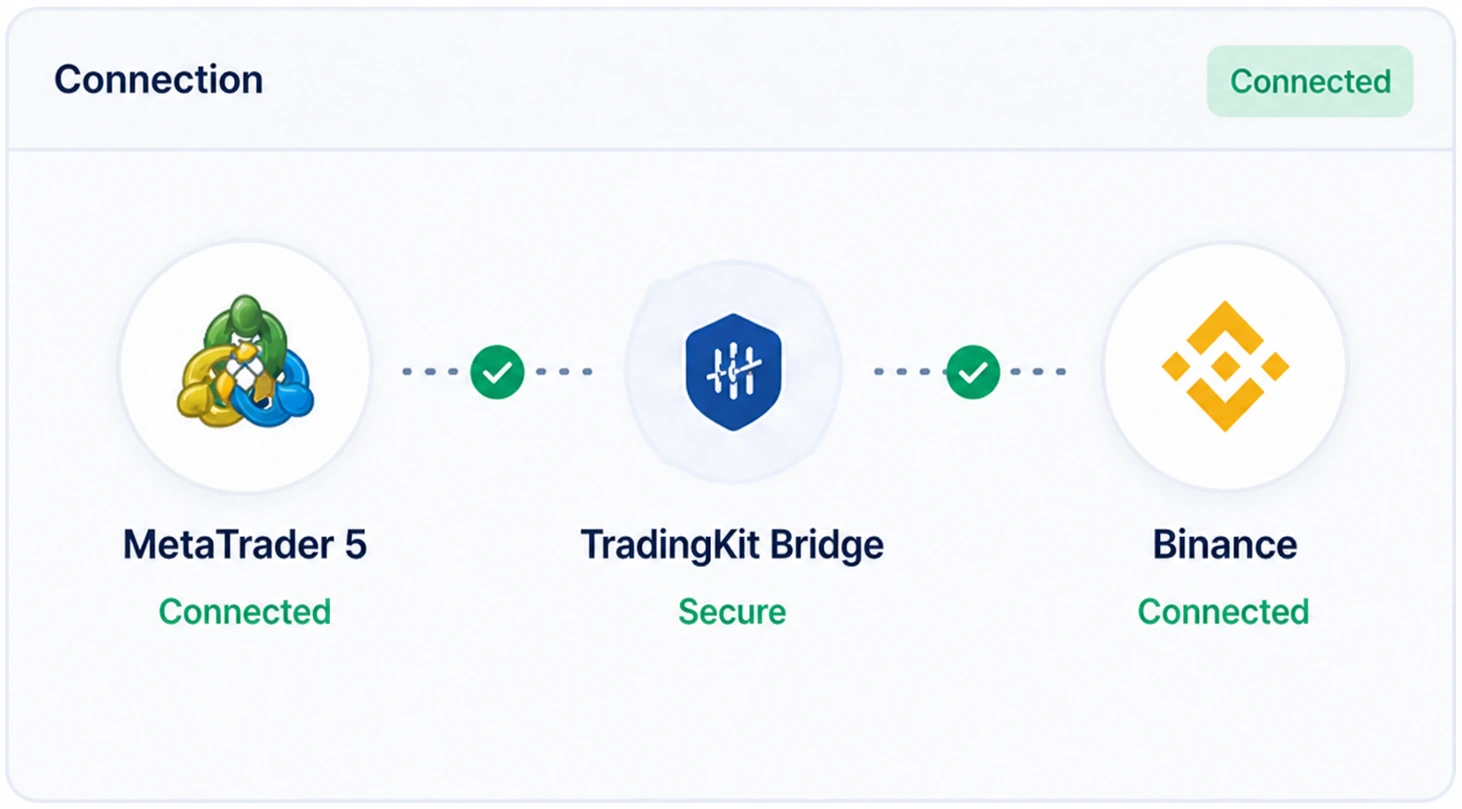
Copy trades between MetaTrader and Binance with configurable synchronization.

Trade Binance from MetaTrader 5 while keeping a familiar terminal workflow.
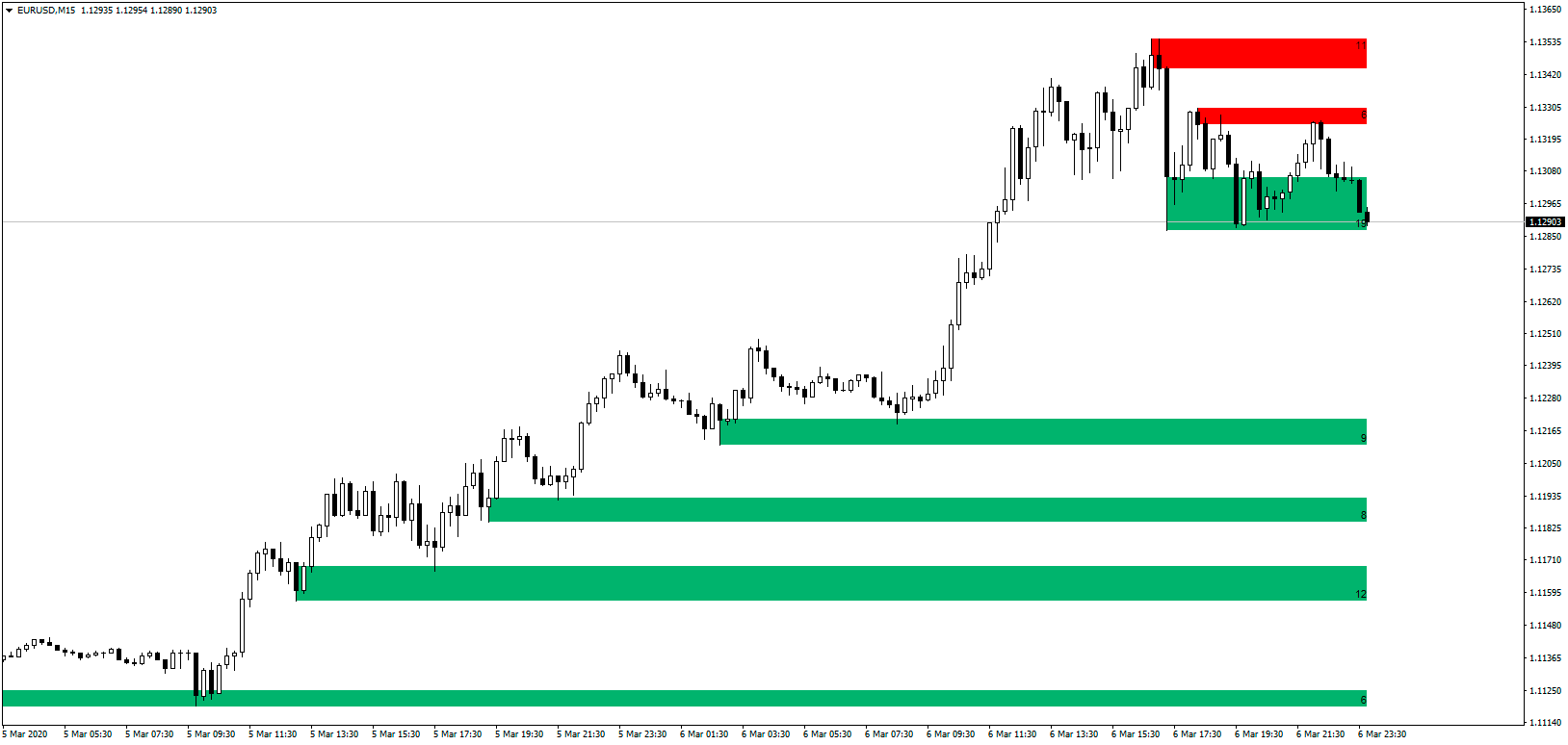
Map active supply and demand zones directly on the chart.

Follow trend direction with a clear volatility-adjusted signal.

Combine trend and momentum context in one practical chart signal.

Compare overnight swap values without leaving the terminal.

Visualize swap-sensitive price zones for longer-held positions.

Compare relative currency strength before choosing a pair.

See active global trading sessions and their overlaps on chart.

Learn how to use Impulse MACD as momentum and trend context in MT5.
Clear answers about compatibility, delivery, updates and installation.
Each product page explains what the tool does, which platform it supports and how it is delivered. You can also review customer feedback on the related MQL5 product pages and contact TradingKit support before purchasing.
The tools are designed to reduce repetitive steps, make trading rules easier to follow and bring useful market context directly into MT4 or MT5. The exact benefit depends on the product and your workflow.
Digital access is provided after successful payment. Delivery instructions depend on whether you buy directly from TradingKit or through the MQL5 Market listing linked from the product page.
Updates are included for an existing product license under the terms of the purchase channel. MQL5 Market customers receive update notifications through their MQL5 account.
Install the product through the MQL5 Market or follow the download instructions supplied after a direct purchase. MetaTrader indicators go into the Indicators folder, while Expert Advisors and panels use the Experts folder.
Availability varies by product. Product pages show the supported purchase options, including direct TradingKit checkout and MQL5 Market where available.